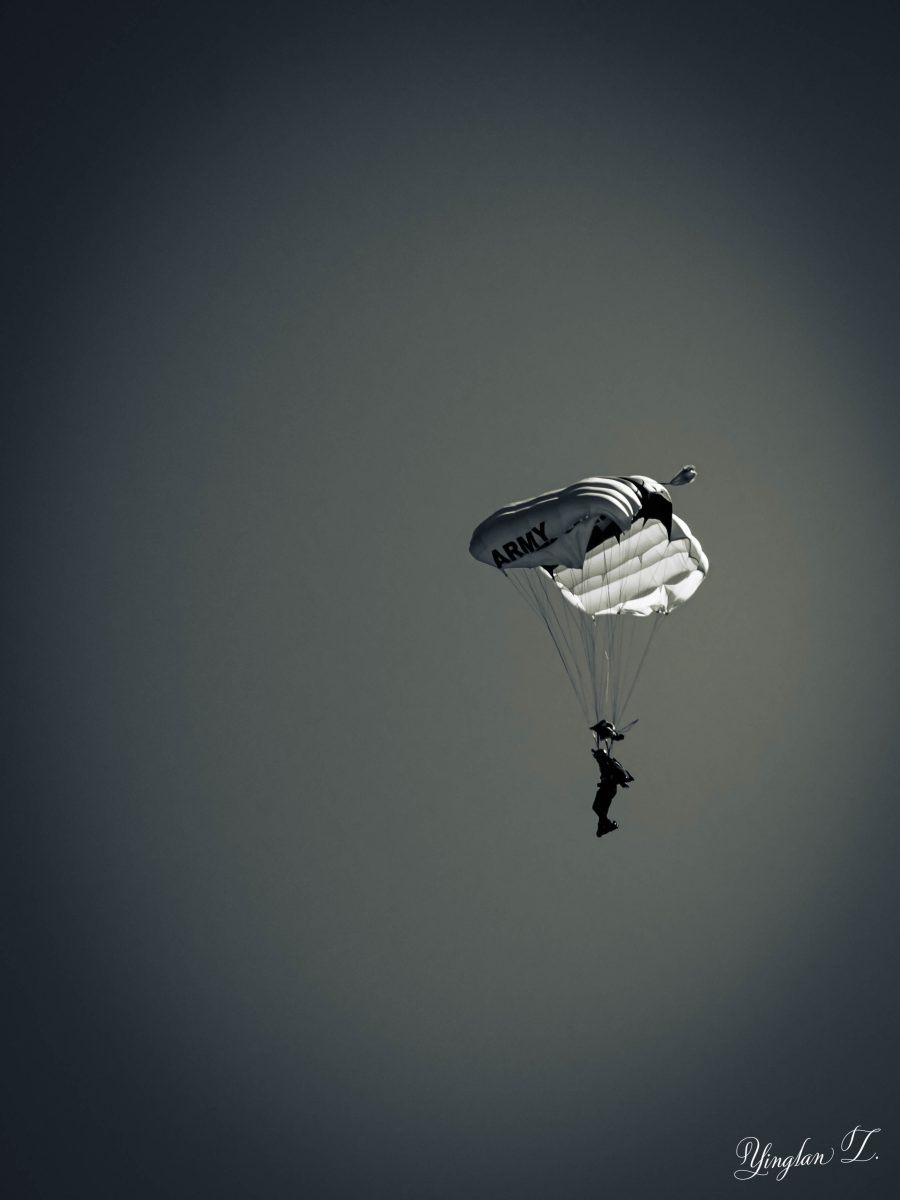
Happy Sunday! Tina from Travels and Trifles is the host for this week’s Lens-Artists Photo Challenge and it is time to reflect on some of the things I have learned about photography over the years with the theme – Live and Learn.
Wait for the Right Moment


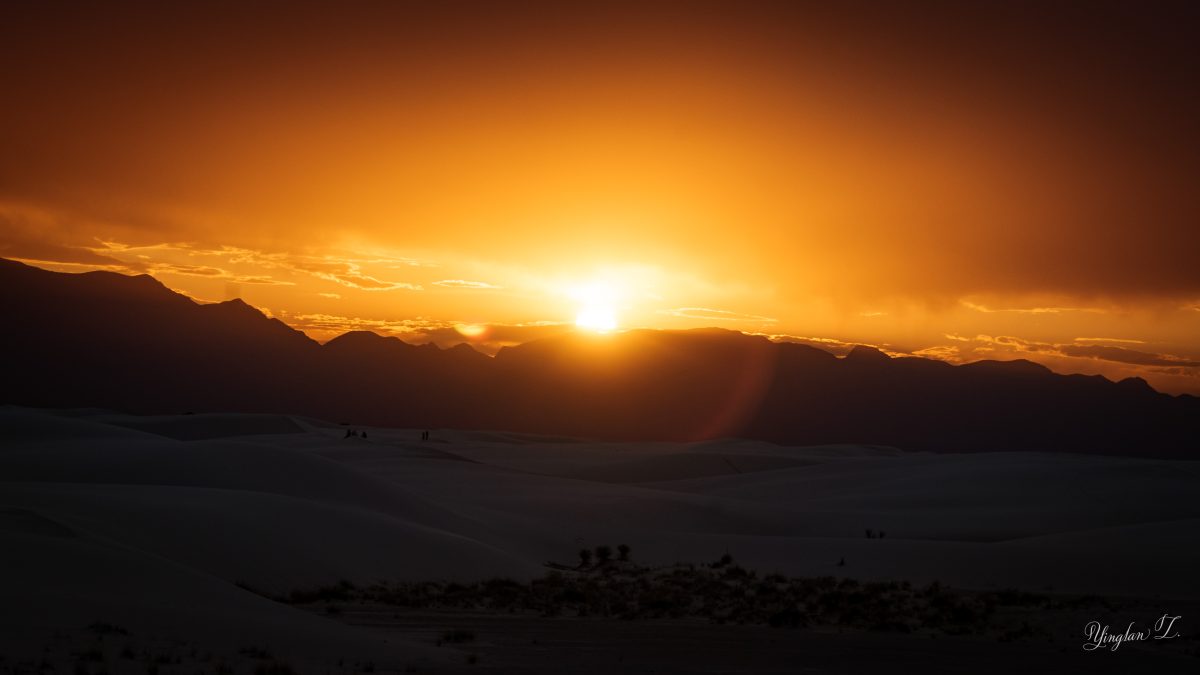

One of the biggest lesson I’ve learned in photography is definitely, as Tina has written in her post, wait for the right moment.
I am not a patient person. Even though I enjoy gardening, I often find myself looking for that instant gratification. I tend to do that a lot when take photos and end up with so-call snapshots that won’t be memorable in the long-term. However, I found that if I just slow down, inhale and take in my surrounding before deciding on the composition, I get a much better result in the long run.
Make it Black and White

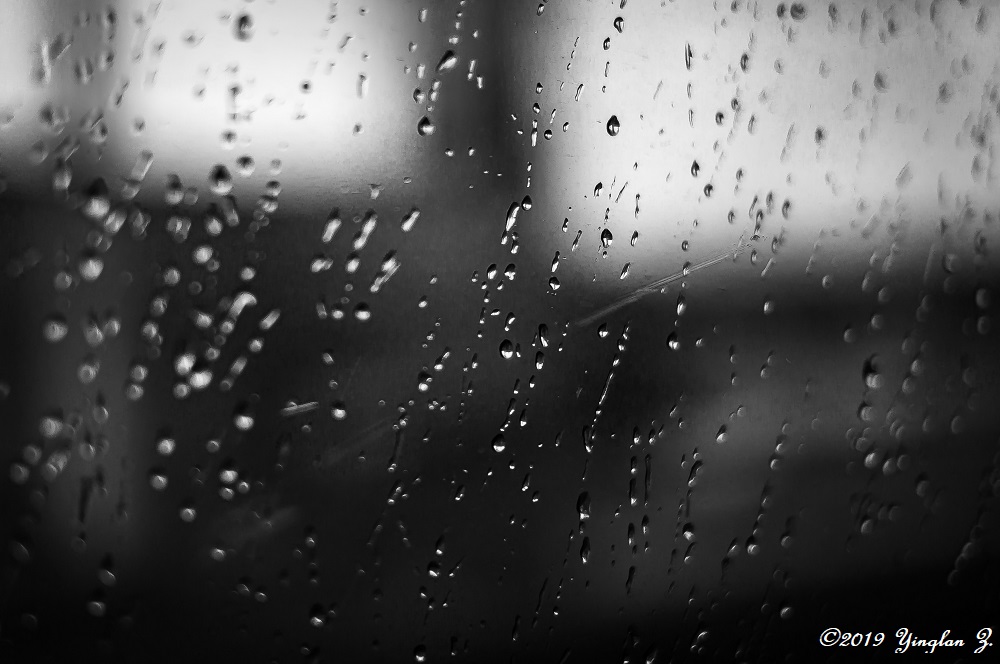
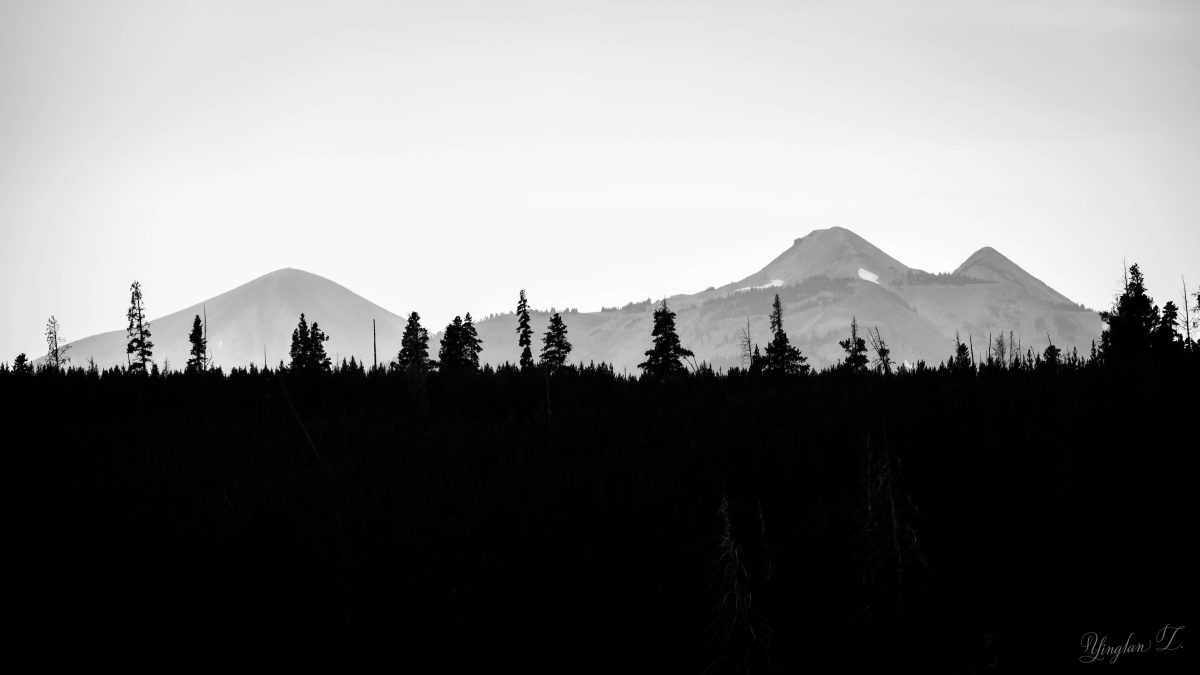

The second lesson I learned is sometimes, when the photo doesn’t look good in color, remove the color and turn it black and white. I don’t turn many of my pictures black and white but sometimes, when I’m stuck in my editing, I like to consider the option. Sometimes it works, sometimes, it doesn’t. This gallery has some of my all-time favorite black and white photos.
Cropping


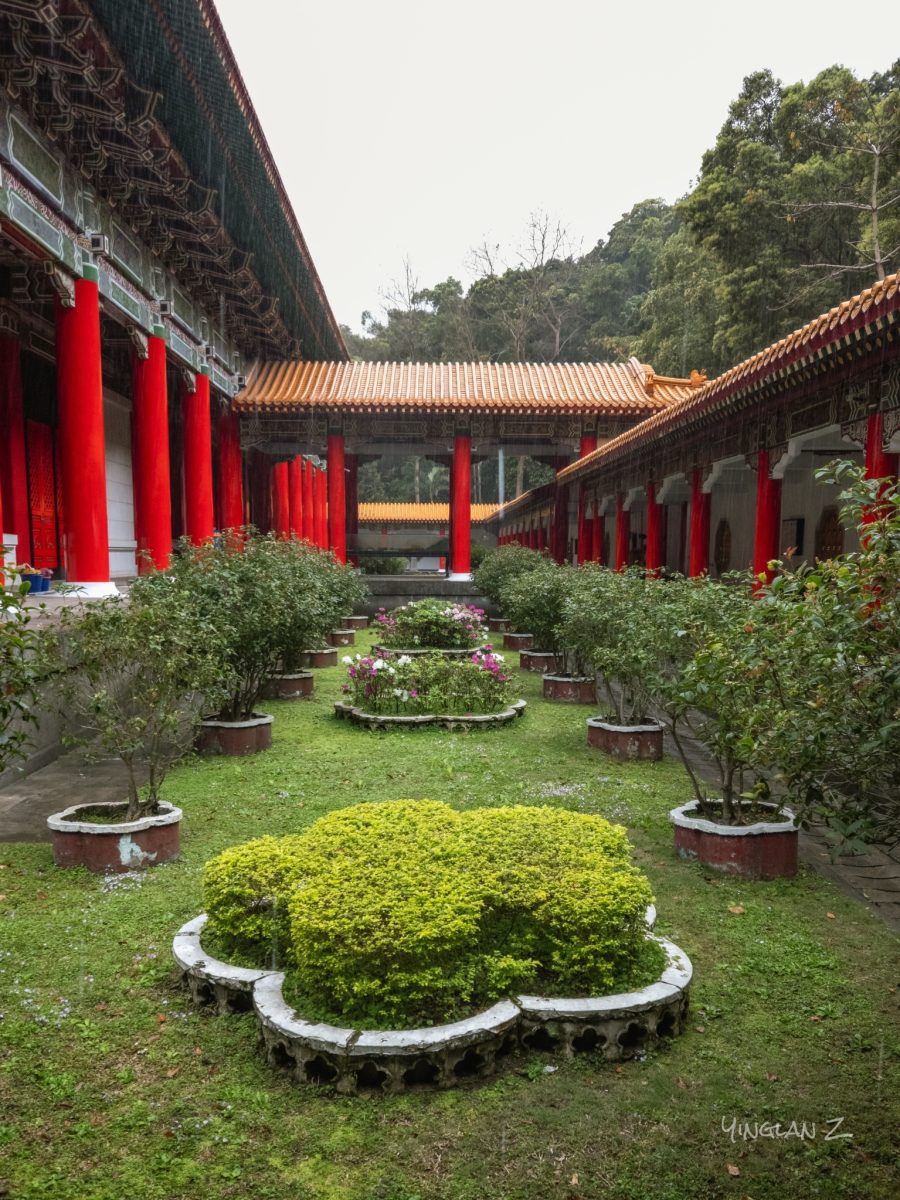
The third lesson I learned in photography is one I learned fairly recently as I am now taking more photos with my phone than with my camera. The lesson is cropping.
I have a Samsung Galaxy s23 phone. I never ever use the zoom function and always use the Pro Mode to take photos because it not only saves a Jpeg version of the photo but it also saves a RAW version, which I can use it for editing in Lightroom later. I don’t use the zoom function because the zoom would switch me to a different lens with lower resolution. The only lens on my phone that would take 50-megapixel pictures is the lens with 1x zoom.
When I edit my photos, I always level and crop my photos, sometimes by as much as three-quarter of the photo. That’s the reason I always use the largest resolution lens, because I need to make sure the photo will still be clear after I cropped it.
Cropping has always been a drawback of phone photography and it’s been the thing that has kept me from embracing this type of photography until now when I’m finally understanding the joy of not having to carry a bulky camera with a heavy lens around my neck.


I might have to ‘borrow” one or two picture for my screen saver.
LikeLiked by 1 person
Feel free… 😊
LikeLike
Well said and shown Yinglan. We had an excellent iPhone photography presentation at our photo club this year and they suggested exactly as you have to use raw and not to zoom because you have much more to work with. Your images this week tell a great story.
LikeLiked by 1 person
Thank you. 🙂
LikeLike
Yinglan, beautiful images!
LikeLiked by 1 person
Thank you.
LikeLiked by 1 person
Yinglan, what a magnificent post and photos! Beautiful photos.
LikeLiked by 1 person
Thank you.
LikeLiked by 1 person
Great lessons for all of us. Beautiful photos
LikeLiked by 1 person
Thank you.
LikeLiked by 1 person
Great photos. 👏 A smidge of cropping usually helps me.
LikeLiked by 1 person
Thank you.
LikeLiked by 1 person
A lovely and relatable post. I use my Samsung Galaxy S23 a lot and you are right about the resolution.
LikeLiked by 1 person
Thank you. Ah, how lovely to meet another user of the s23! 😀
LikeLiked by 1 person
I’ve learnt something from your post, Yinglan, not being much of a mobile phone photographer 🙂
You definitely know what you’re doing, beautiful galleries.
LikeLiked by 1 person
Thank you. 🙂
LikeLiked by 1 person
Some good advice along with excellent photos, Yinglan! Thank you!
LikeLiked by 1 person
Thank you.
LikeLike