Happy Sunday! This week, Ritva is re-visiting Lens-Artists Photo Challenge #154 but with editing. She’s calling the topic – One Photo Edited.
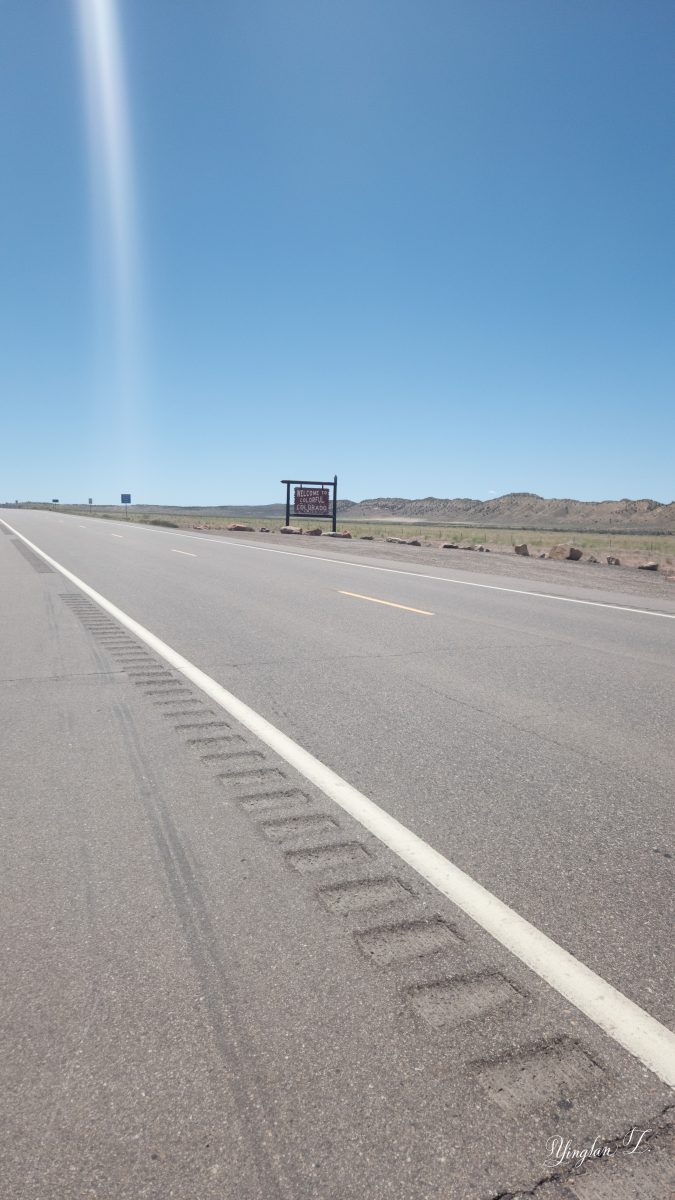

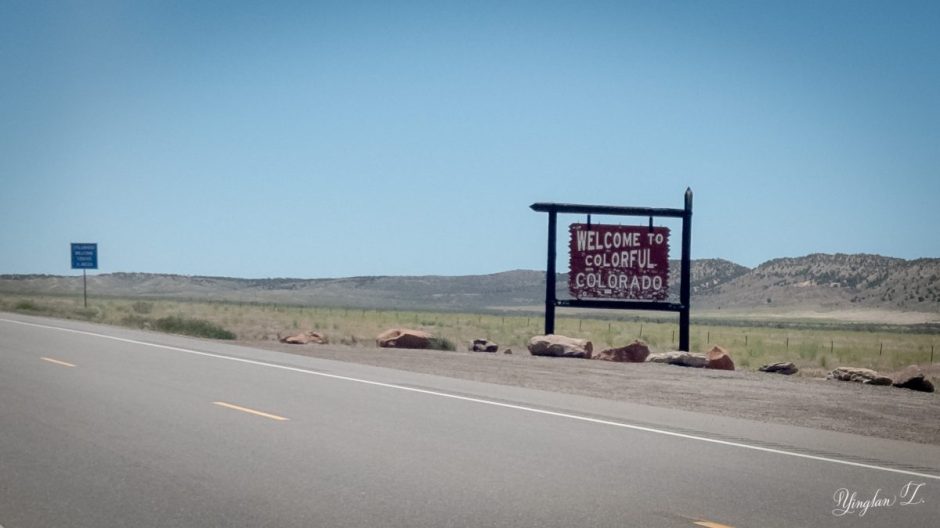
Sometimes, taking photos with the phone can be quite frustrating because if I want to zoom while I take the photo, I either have to choose a lower megapixel resolution or I can’t process in RAW. Most of the time, I choose to keep the original resolution and crop the photo to my liking in Lightroom afterwards. This is one of the many times when I have to do a massive crop to one of the phone photos.
I had to shoot the photo from the other side of the highway because it was so ridiculously windy and with oncoming traffic on either side at any moment, I was not about to take the chance to run across a busy highway to photograph a sign.

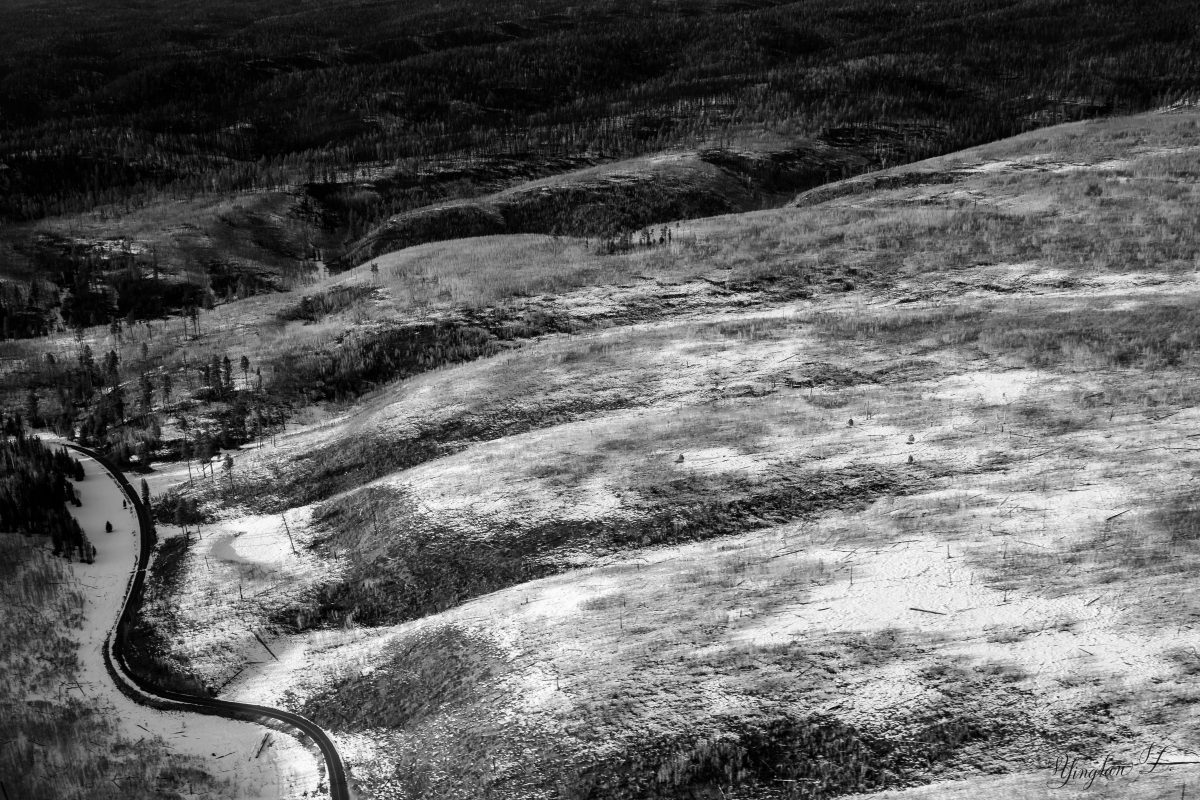
Not all photos are meant to be black and white photos but I sure love it when a photo works out in black and white and I feel like this is one of them. On the color photo, I feel a little distracted by the brown of the forest but in the black and white photo, it feels like the distraction is gone, what do you think?
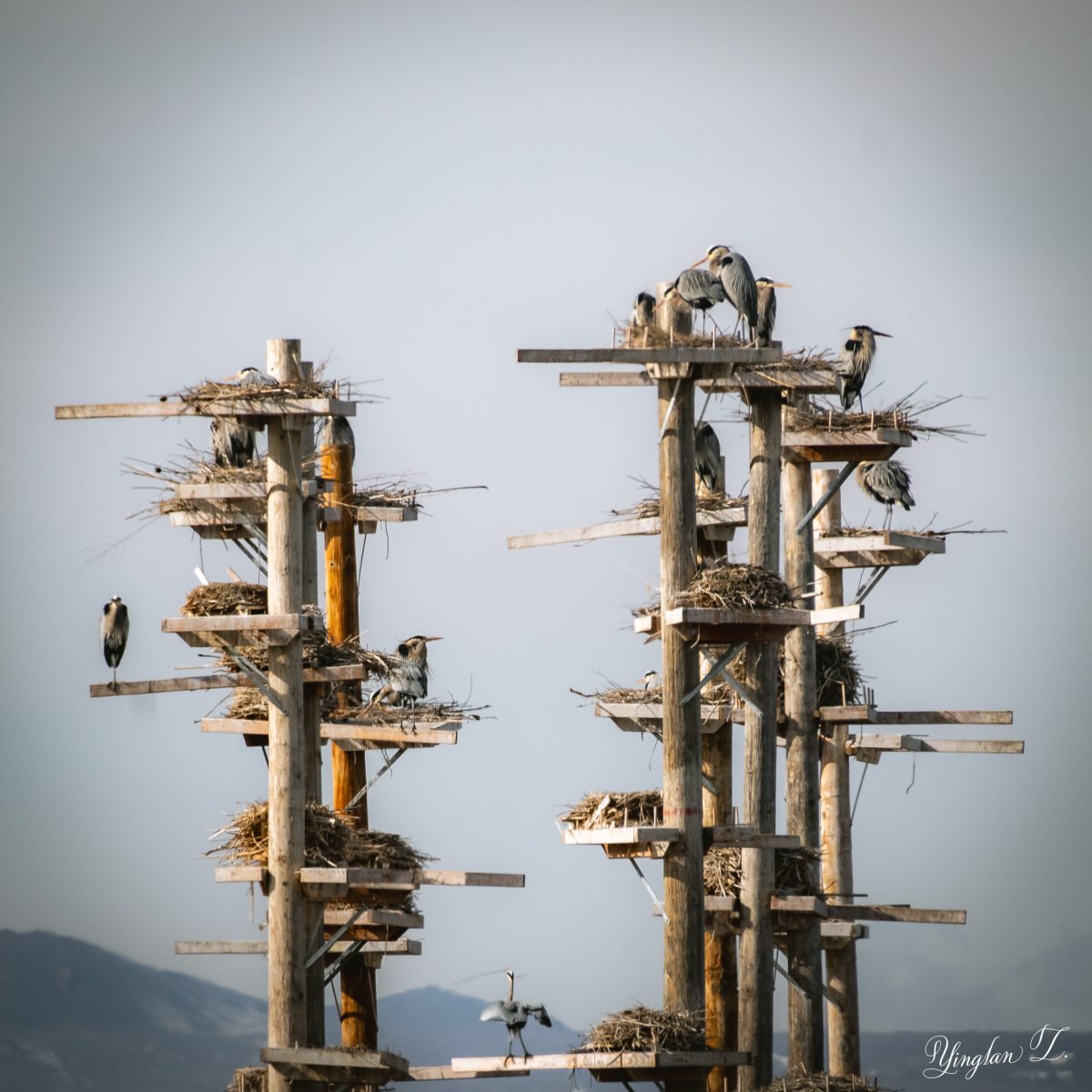
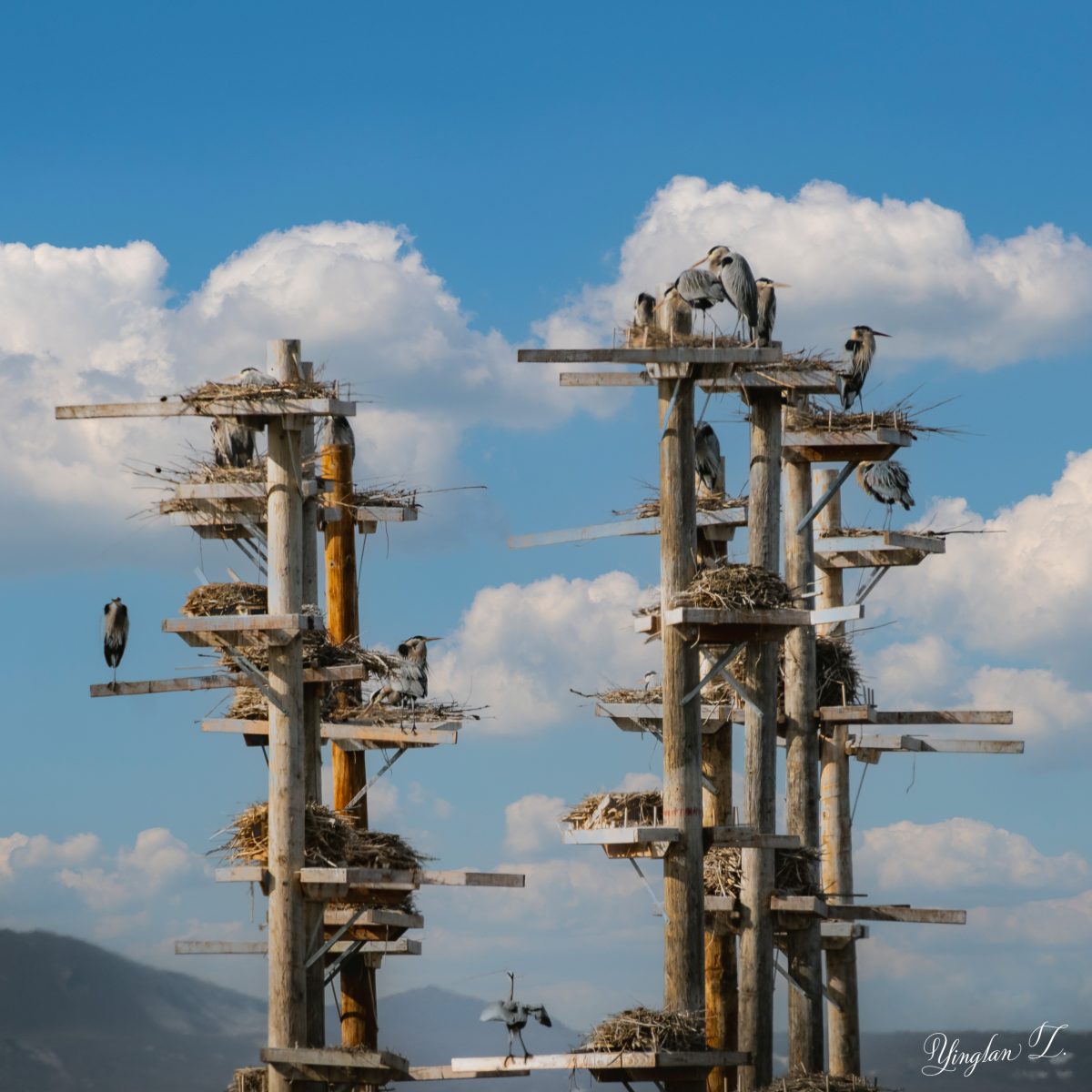
Finally, this is a creative edit. I rarely use the sky replacement in photoshop but this was one of the occasions. The sky in the original photo was so gray and yucky. This usually happens during the winter and the early part of the year when the inversion sets in. I have used the sky replacement tool before but it never gave me such great results. I couldn’t even tell that’s a fake sky in the background.


I would’ve crossed the highway to take the state sign photo.
The third one is really nice 🙂
LikeLiked by 1 person
Haha, not when the wind is blowing at 30 miles/hours in your direction and the sign is so far away.
LikeLike
I really liked your choices in each photo. The monochrome is the best, I think.
LikeLiked by 1 person
Thank you. That one’s my favorite, too.
LikeLike
Yinglan, I agree with you on your comment: Not all photos are meant to be black and white photos, that is true. This one worked really well. And the cropping of the first framed what you wanted to show us and it did that perfectly. The sky replacement is a fun thing when done well. Great post.
LikeLiked by 1 person
Thank you. Technology can be amazing when it’s done right.
LikeLiked by 1 person
All great edits, Yinglan. 😊
LikeLiked by 1 person
Thank you.
LikeLiked by 1 person
You are welcome.
LikeLike
Great use of cropping on the first one, Yinglan. I would have done exactly the same! The monochrome is my favourite, it suits the shot so much better.
LikeLike
Well captured and edited all of them. Love the B&W and what a great photo of the birds and their nests! Good choice changing skies – I very seldom do, but this one really benefited from it!
LikeLiked by 1 person
Thank you. I agree. When the sky replacement works, it works.
LikeLiked by 1 person